

One tap to your own server
Toonel connects your whole device through your own servers as a system VPN. Import a share link, choose which apps and sites go through it, and see where your traffic exits. No accounts and no tracking.
Free. Bring your own server.
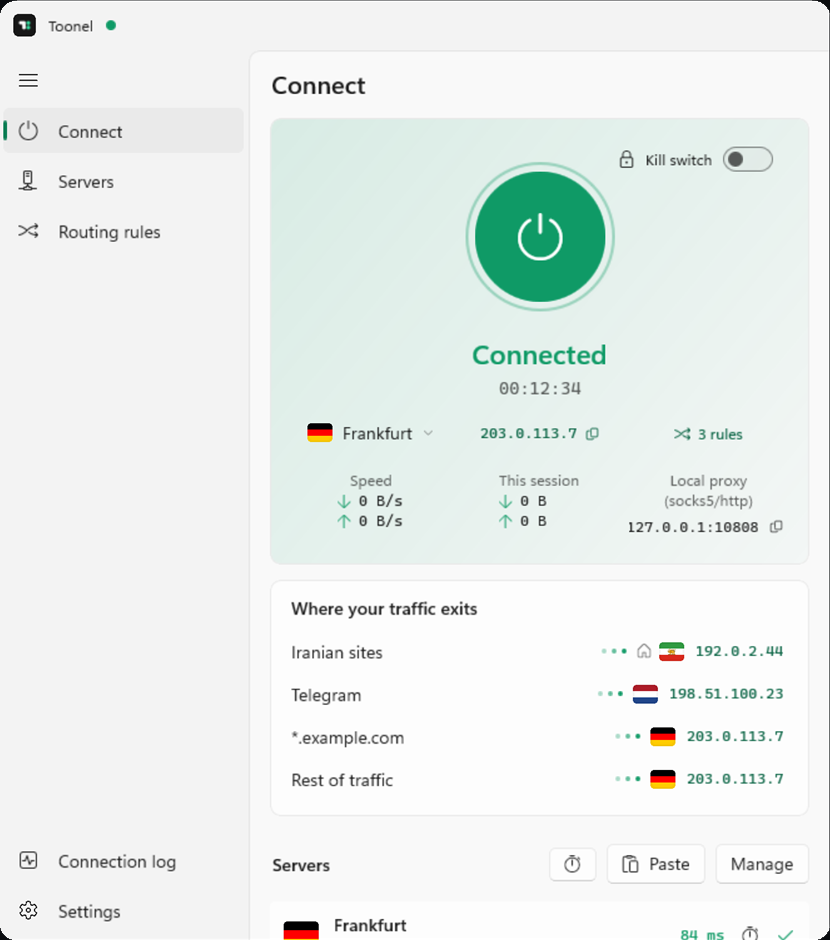
Connected
00:12:34
- VLESS
- VMess
- Trojan
- Shadowsocks
- Hysteria2
- Xray
- VLESS
- VMess
- Trojan
- Shadowsocks
- Hysteria2
- Xray
- VLESS
- VMess
- Trojan
- Shadowsocks
- Hysteria2
- Xray
- VLESS
- VMess
- Trojan
- Shadowsocks
- Hysteria2
- Xray
- VLESS
- VMess
- Trojan
- Shadowsocks
- Hysteria2
- Xray
- VLESS
- VMess
- Trojan
- Shadowsocks
- Hysteria2
- Xray
- VLESS
- VMess
- Trojan
- Shadowsocks
- Hysteria2
- Xray
- VLESS
- VMess
- Trojan
- Shadowsocks
- Hysteria2
- Xray
Get Toonel for your device
Apple
iPhone, iPad and Mac
Windows
Direct installer for Windows
If Windows shows a SmartScreen prompt, choose More info, then Run anyway.
Android
Phones and tablets
From link to connected in three steps
- 1
Copy your link
Your server admin or provider gives you a vless:// share link. Copy it.
- 2
Paste it into Toonel
Toonel reads the address, port and transport settings from the link and adds the server.
- 3
Connect
Approve the system VPN prompt once. After that, every app on the device goes through your server.
vless://3f2a9c1e-5b7d-4e21-9a0c-7d41c2b8e6f0@edge.example.com:443?security=tls&type=ws&path=%2Fws#Frankfurt
What Toonel does
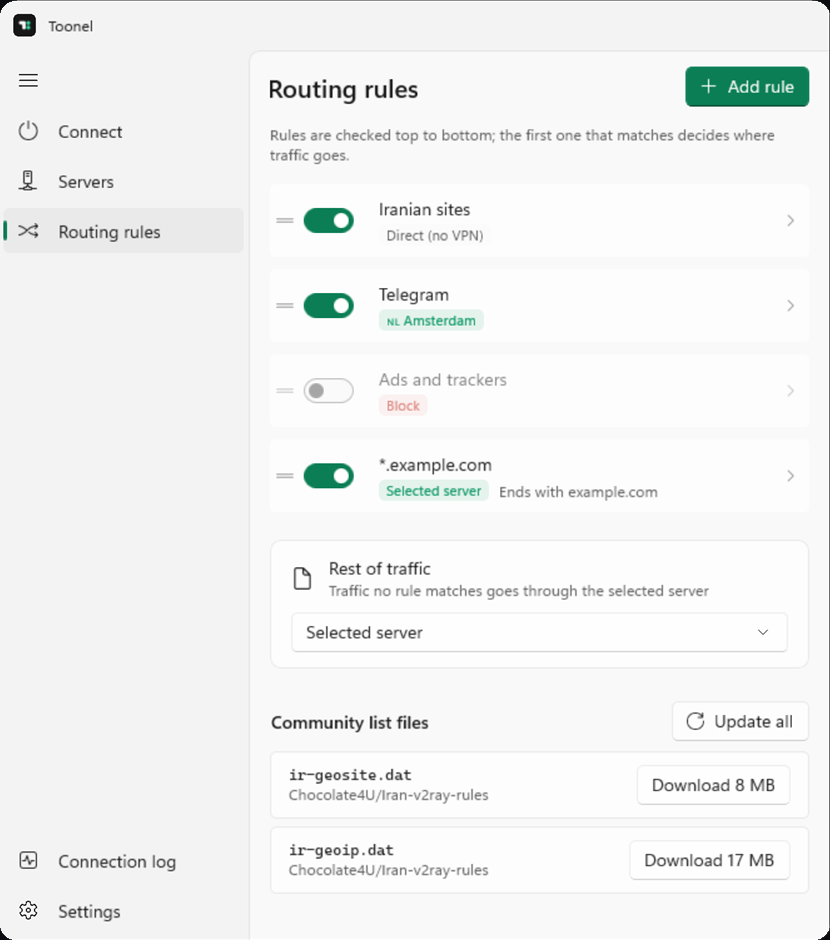
Connected
00:12:34
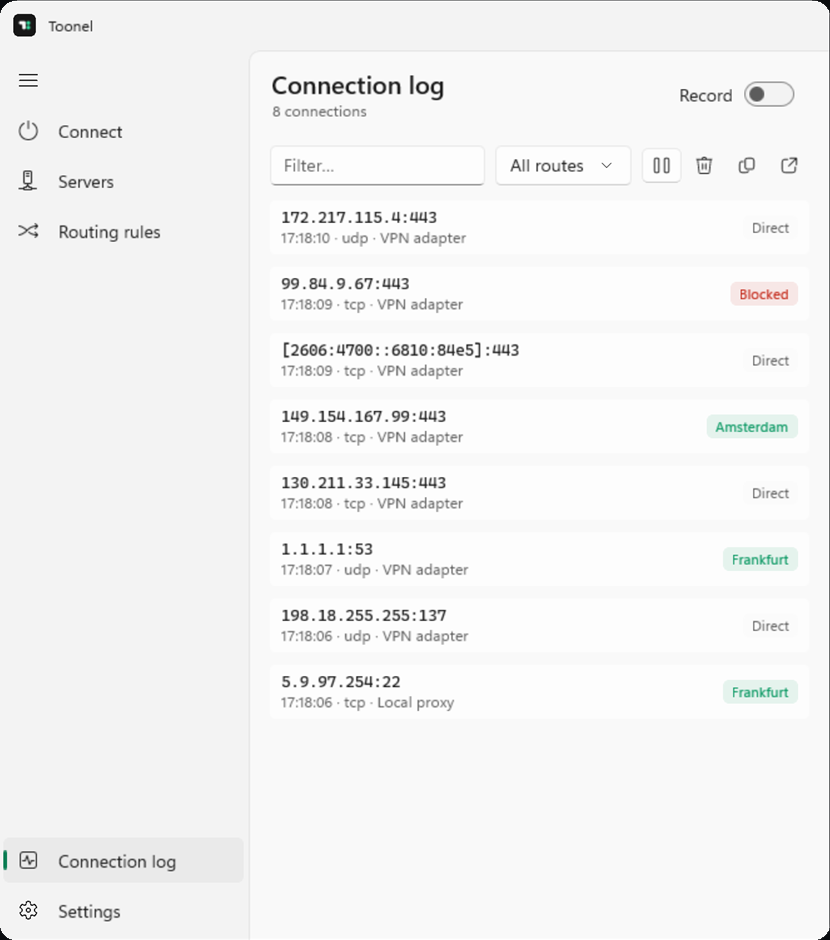
- Frankfurt84 ms
- Amsterdam41 ms
- My own VPS127 ms
Questions
Bring your own server
If you already have a vless:// link, paste it into Toonel and press connect.